Posts

Showing posts with the label API

Python API with Flask
Image
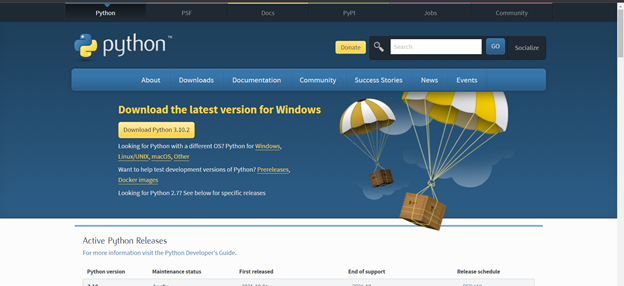
  Python API with Flask Install python from below link           https://www.python.org/downloads/           You can check if the python installation is success or not by running below command in command prompt          python --version Then you have to set up the environment to run the python application. In command prompt run below command. Note that you have mention the python version           py -2 -m pip install virtualenv Create a python file and name it as app.py Add below code as the first step and first sample API in the app.py file      Now if you are added the environment properly you can see play icon in right side of the vs code. Click that and application will run on port 5000. Browse the url This will return the array as a html type (check network of inspect). If you want to return it as a json you want to change the code as below The res...

Laravel API With Sanctum

Image
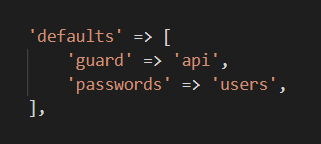
  Laravel API With Sanctum Install a Laravel project           composer create-project laravel/laravel [my-project-name] Install the package           Composer require laravel/sanctum Do the migration           php artisan vendor:publish --provider=”Laravel\Sanctum\SanctumServiceProvider”  php artisan migrate Replace the kernel.php -> middlewareGroups -> api 'api' => [     \Laravel\Sanctum\Http\Middleware\EnsureFrontendRequestsAreStateful::class,     'throttle:api',     \Illuminate\Routing\Middleware\SubstituteBindings::class, ], Add this to User model           use Laravel\Sanctum\HasApiTokens; class User extends Authenticatable { use HasApiTokens, HasFactory, Notifiable;} Add this to api.php routes           Route::group(['middleware' => ['auth:sanctum']], function () { Route::get('/emp...

Laravel API With JWT Authentication

Image
Laravel API With JWT Authentication   Create a new Laravel project        composer create-project laravel/laravel [my-project-name] Install JWT auth          composer require tymon/jwt-auth Go to the app->Models->User.php and update that user model         <?php           namespace App ;           use Tymon \ JWTAuth \ Contracts \ JWTSubject ;           use Illuminate \ Notifications \ Notifiable ;           use Illuminate \ Foundation \ Auth \ User as Authenticatable ;             class User extends Authenticatable implements JWTSubject           {               use Notifiable ;               // Res...