Python API with Flask
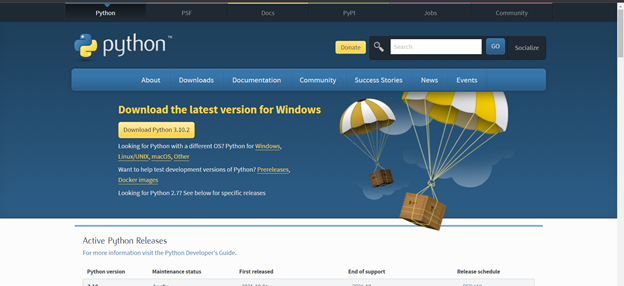
Python API with Flask Install python from below link https://www.python.org/downloads/ You can check if the python installation is success or not by running below command in command prompt python --version Then you have to set up the environment to run the python application. In command prompt run below command. Note that you have mention the python version py -2 -m pip install virtualenv Create a python file and name it as app.py Add below code as the first step and first sample API in the app.py file Now if you are added the environment properly you can see play icon in right side of the vs code. Click that and application will run on port 5000. Browse the url This will return the array as a html type (check network of inspect). If you want to return it as a json you want to change the code as below The res...